

7 Best Jotform Alternatives in 2026: Free, Paid, and WordPress Options
-
- Comparison WordPress Plugins
- 14 mins read

A form builder should make collecting information easier. If Jotform’s limits, pricing, or separate dashboard are getting in your way, it may be time to look elsewhere.
Maybe you need a more generous free plan, lower costs as your response volume grows, or a way to build and manage forms inside WordPress.
This guide compares seven Jotform alternatives. Each one is best for a different type of user. We will look at price, ease of use, key features, and limits. By the end, you should have a short list that fits your needs.
Best Jotform alternatives at a glance
| Form builder | Best for | Free plan | Starting paid price* |
|---|---|---|---|
| FormGent | Building and managing forms in WordPress | Yes | $44/year promotional price |
| WPForms | A large WordPress plugin ecosystem | Yes | $49.50 for the first year |
| Tally | A generous free hosted plan | Yes | $29/month or $290/year |
| Fillout | Forms with logic and connected data | Yes | $15/month with annual billing |
| Typeform | A guided, question-by-question experience | Yes | $28/month with annual billing |
| Google Forms | Simple surveys and internal forms | Yes | Free |
| Zapier Forms | Forms that start automated tasks | Yes | $19.99/month with annual billing |
*Prices were reviewed in October 2026. Prices and plan limits can change.
If you use WordPress, start with FormGent or WPForms. Tally is a strong free choice if you want a hosted form. Fillout is better for complex data flows. Typeform works well for polished, guided forms. Google Forms is best for simple tasks. Zapier Forms is useful when each response needs to start an automated process.
Why look for a Jotform alternative?
Jotform works well for many people. The reason to switch usually comes down to cost, limits, or the way you work.
You need more room to grow
Jotform plans have several limits. These include forms, submissions, views, fields, stored responses, uploads, payment submissions, and signed documents.
One limit may affect you before the others. For example, you may have enough monthly submissions but run out of storage. Jotform’s plan details say older responses may be removed when total submission storage is full.
Check the limit that affects your work. Do not choose a new tool based only on the number of forms it allows.
You want a better free plan
Some Jotform alternatives give free users more responses or more features. Tally offers unlimited forms and submissions under its fair-use rules. Fillout includes 1,000 responses per month. Google Forms is free for basic use.
You want to work inside WordPress
Jotform is a hosted service. You can add a Jotform form to WordPress, but you still manage it through Jotform.
FormGent and WPForms work inside WordPress. You can build forms and check entries from your WordPress dashboard. This is easier when your website is already the main place where your team works.
You need a tool built for one main job
Some tools focus on a clear use case. Typeform focuses on design. Fillout focuses on data and workflows. Zapier Forms focuses on automation. A focused tool may be easier than a large platform with many features you do not use.
What should you compare?
Ask these questions before you choose:
- Do you want a hosted form or a WordPress plugin?
- How many responses do you expect each month?
- Will people upload files or make payments?
- Do you need conditional logic?
- Which apps must receive the form data?
- How many team members need access?
- Who will manage updates, backups, and email delivery?
Your answers will remove several options right away.
1. FormGent: best for WordPress users
FormGent is a form builder made for WordPress. You can create forms, add them to your pages, and manage entries from your WordPress dashboard.
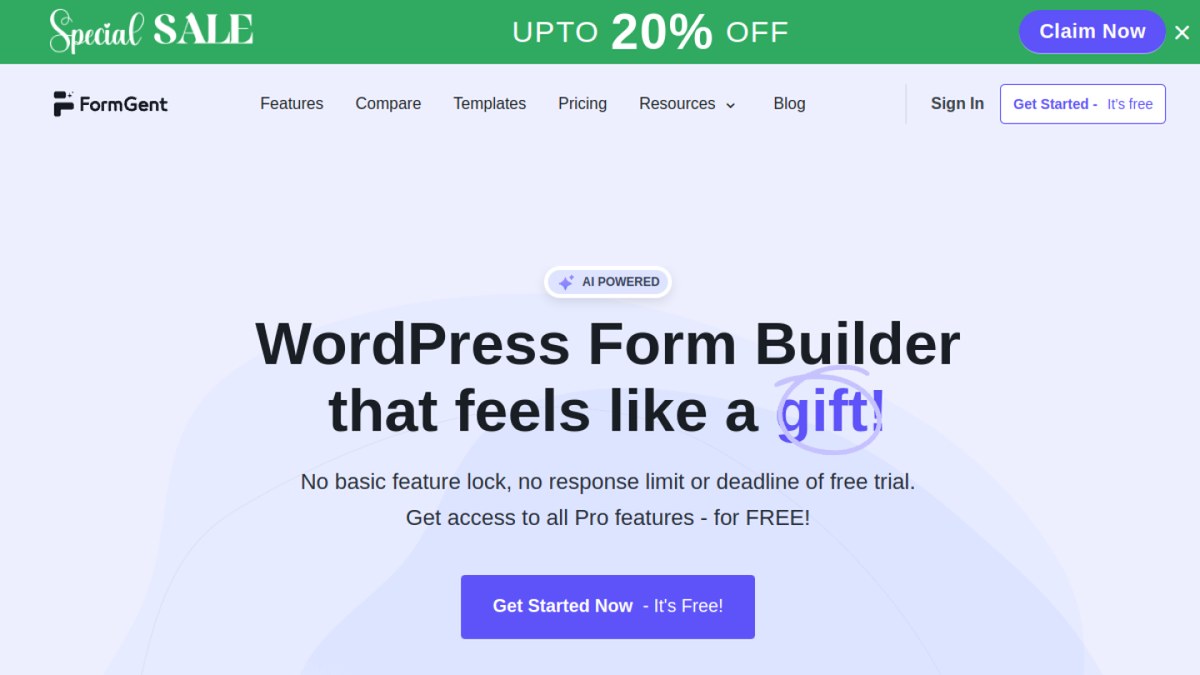
This is useful when WordPress is already the center of your website. You do not have to build forms on one platform and manage your site on another. You can start with a blank form, a template, or the AI form option.
What can you build with FormGent?
You can use FormGent for:
- Contact forms
- Lead forms
- Surveys and quizzes
- Registration forms
- Job application forms
- Order and payment forms
- Multi-step forms
- Conversational forms
FormGent includes more than 25 fields and blocks. These cover names, emails, phone numbers, dates, addresses, ratings, file uploads, dropdowns, choice questions, repeatable groups, Google Maps, GDPR consent, login, and registration. The FormGent blocks guide lists the available options.
Conditional logic can show fields based on earlier answers. Multi-step forms can break a long form into smaller parts. Conversational forms can present each prompt on its own screen. You can also change labels, placeholders, field widths, choices, and required fields.
FormGent supports PayPal and Stripe for payment forms. Its payment integration guide explains how both gateways work. FormGent also includes calculations for prices, totals, or quiz scores. After submission, you can show a message, open another page, or redirect the visitor to a URL.
You can manage entries and email notifications from WordPress. Available connections include Google Sheets, Mailchimp, Zoho CRM, Zapier, WPML, and Directorist. Access to some tools depends on the plan you use.
FormGent Pro adds features such as analytics, field drop-off reports, Save Incomplete Data, digital signatures, webhooks, white labeling, and user custom post type submissions.
Why choose FormGent over a hosted form builder?
Your forms stay close to the rest of your WordPress site. You can work on pages, forms, and entries from one dashboard. You also avoid the monthly submission limits that are common with hosted form services.
This setup suits small businesses, agencies, membership sites, schools, and service providers that already use WordPress.
FormGent pricing
FormGent has a free version. Its pricing page showed a one-site Pro plan at a promotional price of $44 per year when this guide was updated. The regular price was $49 per year. Plans for more sites and lifetime access were also available.
Things to consider
FormGent requires WordPress. It is not the right choice if you only want a hosted form link and do not run a WordPress site.
You also need to look after your website. That includes hosting, updates, WordPress backups, security, spam protection, and email delivery.
FormGent is best for people who already use WordPress and want forms to be part of the same system.
2. WPForms: best for a large WordPress ecosystem
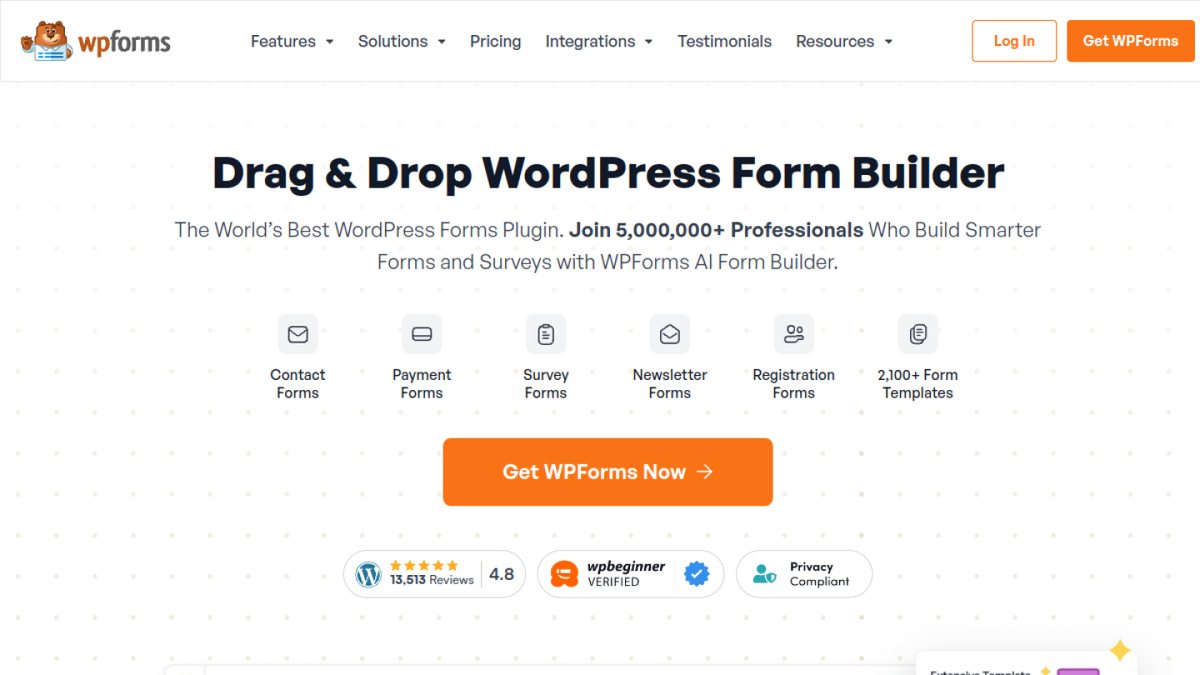
WPForms is a WordPress form plugin with a large template library and many add-ons. Its drag-and-drop builder can handle contact forms, newsletter forms, file uploads, registrations, surveys, quizzes, payments, and user-submitted content.
What does WPForms offer?
The Basic plan includes conditional logic, multi-page forms, entry management, spam protection, and unlimited forms and submissions. Higher plans add tools such as surveys and polls, digital signatures, save and resume, conversational forms, form abandonment, and more payment options.
WPForms also connects with email marketing tools, CRMs, Google Sheets, and automation services. However, the plan you choose matters. Some popular integrations and advanced add-ons are limited to the more expensive plans.
WPForms pricing
WPForms Lite is free and works well for simple forms. The free version sends entries by email, while full entry management inside WordPress requires a paid plan. Free and inactive licenses also carry an extra platform fee on payments.
The Basic plan was listed at $49.50 for the first year when this guide was updated. Its regular renewal price was $99 per year. Check both the first-year price and the renewal cost before buying.
Things to consider
Choose WPForms if you want an established WordPress plugin with a wide range of add-ons and templates. FormGent is worth considering if you prefer a newer interface and a lower regular starting price.
3. Tally: best free hosted alternative
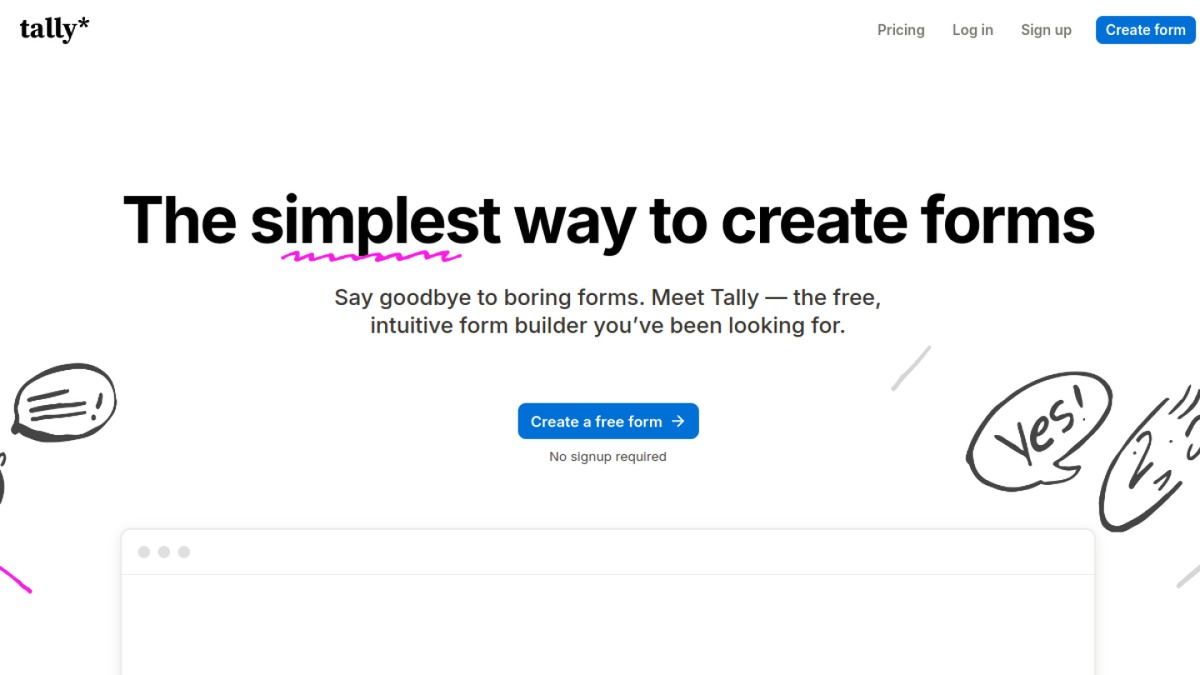
Tally is a hosted form builder with an editor that feels like writing a document. You can type questions, use slash commands to add fields, or ask its AI tool to create a starting form.
What does Tally offer?
Its free plan is the main reason to consider it. Tally allows unlimited forms and submissions under its fair-use rules. It also includes conditional logic, calculations, answer piping, hidden fields, multi-page forms, file uploads, electronic signatures, and Stripe payments.
Forms can be shared with a link, embedded on a website, or shown as a popup. Direct connections include Google Sheets, Notion, Airtable, Slack, and Coda. You can also use Zapier or Make for more workflows.
Tally pricing
The free plan still shows Tally branding and has fewer team and design controls. Tally Pro removes the branding and adds custom domains, custom CSS, partial submissions, workspaces, and collaboration tools. It was listed at $29 per month or $290 per year when this guide was updated.
Things to consider
Unlimited use is still subject to fair use. Very high submission or file-upload volume may require a custom plan. Tally is hosted in the European Union, which may help teams with regional data requirements.
Choose Tally if you want a capable hosted form without a low free response limit. Choose a WordPress plugin if you want forms and entries managed inside your website.
4. Fillout: best for data and workflows
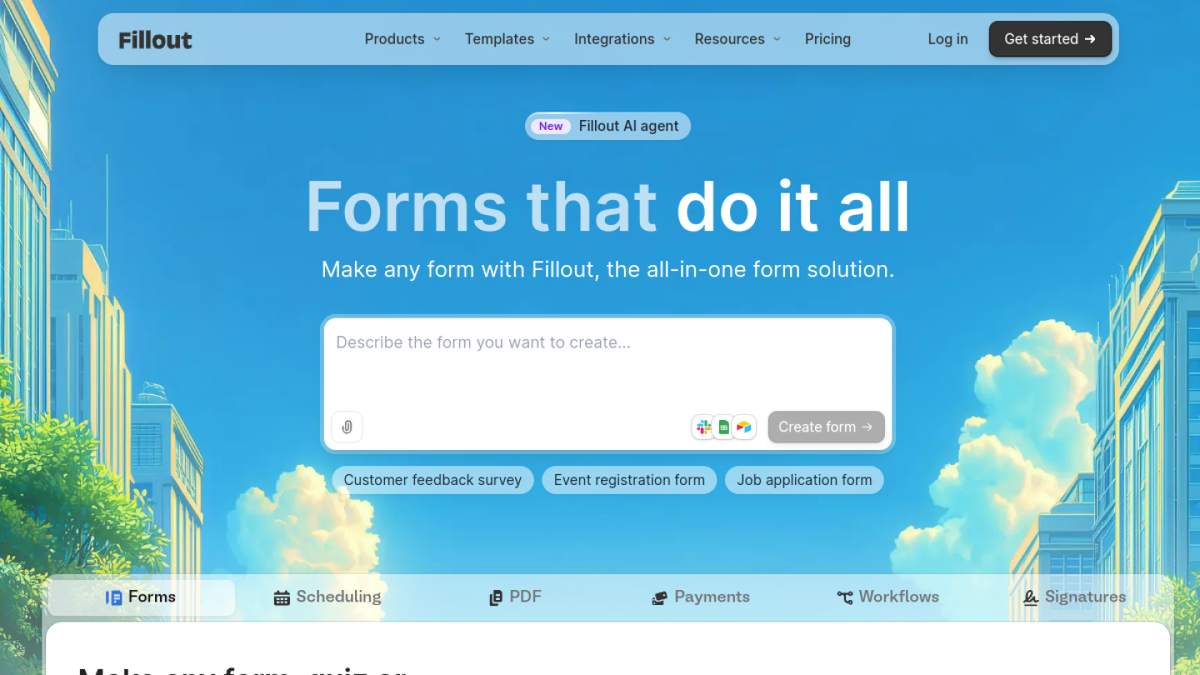
Fillout is useful when a form needs to read from or send data to another tool. It connects with Airtable, Google Sheets, Notion, HubSpot, Mailchimp, and webhooks. This makes it a strong choice for intake forms, client portals, applications, and internal workflows.
What does Fillout offer?
Its free plan includes unlimited forms and team members, with up to 1,000 responses per month. It also includes conditional logic, calculations, answer piping, multi-page forms, scheduling, payment collection, PDF generation, and resume-later forms. Most integrations and API access are available on the free plan.
Fillout offers more than 50 field types. You can prefill hidden data, validate answers, let people review their responses, and send submissions into connected systems. These features are helpful when a form is one step in a larger process.
Fillout pricing
The Starter plan was listed at $15 per month with annual billing when this guide was updated. It raises the limit to 2,000 responses per month and adds all question types, login forms, and custom endings. Pro raises the response limit to 5,000 and adds stronger branding controls. Business includes unlimited responses, analytics, partial submissions, and a custom domain.
Things to consider
Fillout may offer more settings than you need for a simple contact form. Its value is easier to see when your form must work with records, schedules, payments, or several connected apps.
Choose Fillout if data connections and flexible workflows matter most. Test the exact integration you need before moving important forms.
5. Typeform: best for forms that feel like a conversation
Typeform is known for guiding people through one prompt per screen. Large text, clean spacing, images, and smooth movement help each question receive the user’s full attention.

What does Typeform offer?
This style works well for lead capture, customer feedback, onboarding, quizzes, and branded campaigns. You can use logic to change the question path, add payments, collect files, and send follow-up messages. Typeform also connects with tools such as Google Sheets, Mailchimp, HubSpot, and Airtable.
The design has a tradeoff. Moving through separate screens can feel slow when a person needs to compare fields or enter many details. A standard form is often faster for job applications, long registrations, detailed orders, or internal data entry.
Typeform pricing
The free plan is mainly useful for trying the editor. It allows only 10 responses per month. The Basic plan includes 100 responses, logic, payment questions, file uploads, quizzes, partial responses, and one user.
Typeform’s main pricing cards showed Basic at $39 per month with monthly billing and $28 per month with annual billing when this guide was updated. Typeform says it tests different prices, so the amount shown to you may vary. Higher plans add more responses, more users, and stronger branding controls.
Things to consider
Choose Typeform when the presentation of each question is a key part of the experience. Check the response allowance carefully, since the cost can rise as your audience grows.
6. Google Forms: best for simple tasks
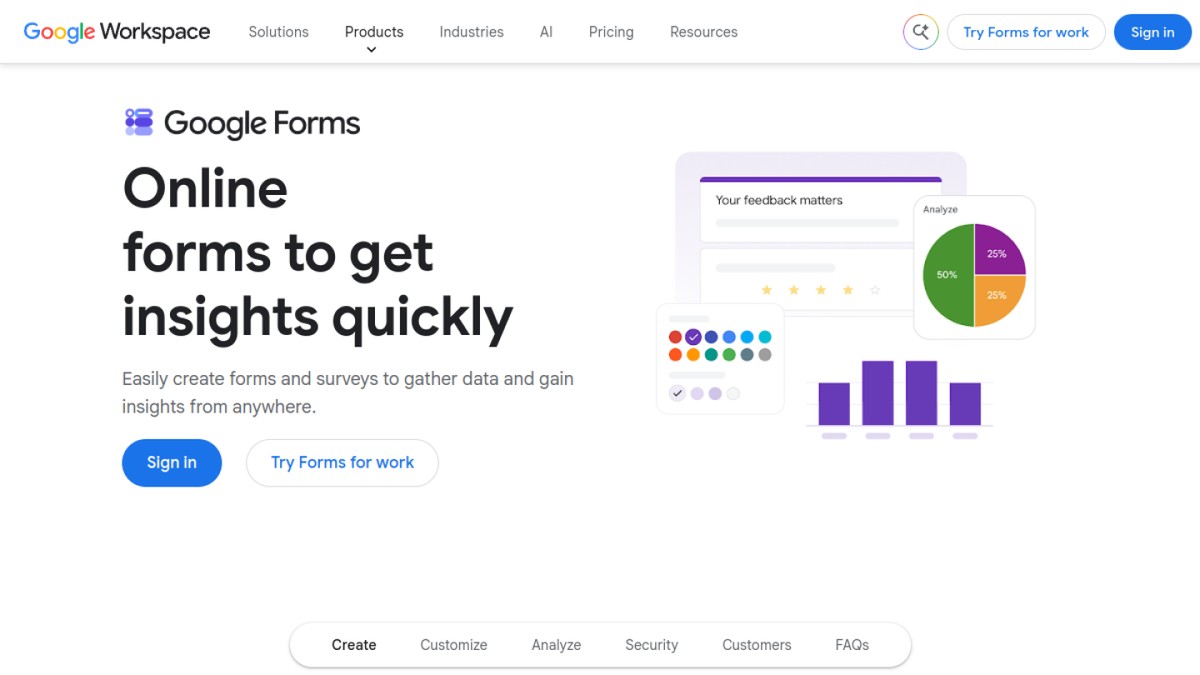
Google Forms is free, familiar, and quick to set up. It works well for surveys, quizzes, event signups, classroom tasks, feedback, and simple internal requests.
What does Google Forms offer?
You can choose from several question types, add sections, and send people to different sections based on their answers. Forms can be shared by link, email, or website embed. Several people can edit a form together.
Responses appear in simple charts inside Google Forms. You can also send the data to Google Sheets for filtering, formulas, and deeper analysis. This connection is especially useful for teams that already work in Google Workspace.
Google Forms limits
The main weakness is control. Design choices are limited, and the tool is not built for advanced payments, detailed branding, complex calculations, or large business workflows. Extra functions often require add-ons or another automation service.
Google introduced clear limits in September 2026. A form can hold up to 1 GB of form and response data and receive up to 500,000 responses. Uploaded files do not count toward the 1 GB data limit. Some response views and Sheets syncing may stop working earlier on very large forms.
When a form reaches its response limit, close it first. Then download the existing responses before deleting them to make room for new ones.
Things to consider
Choose Google Forms when speed, simplicity, and Google Sheets matter more than design. A dedicated form builder will give you more control over the user experience.
7. Zapier Forms: best for automation
Zapier Forms is built for forms that start a process. A response can create a lead, update a spreadsheet, open a support ticket, assign a task, or send information to another app.
What does Zapier Forms offer?
You can start from a blank form, an existing Zapier Table, or an AI prompt. Submissions can be stored in a connected table, where your team can search, filter, and export the records. Forms can be shared with a link or embedded on a website.
Zapier connects with more than 9,000 apps. That range is the main advantage. It is useful when the form itself is simple but the actions after submission involve several tools. Paid plans can also add conditional fields, multi-step Zaps, premium apps, and webhooks.
Zapier Forms pricing
The free plan includes unlimited form projects, up to 10 Forms pages, and 100 automation tasks per month. Zapier says Forms and Tables steps do not use tasks. Actions in other apps may use them, so a workflow that updates several tools can still consume multiple tasks for one response.
Zapier listed Professional from $19.99 per month with annual billing when this guide was updated. This plan allows multi-step automation and raises the Forms page limit to 50.
Things to consider
Choose Zapier Forms when automation is the main reason for collecting the information. If you only need to receive and read form entries, a simpler tool may be easier and cheaper.
Which Jotform alternative is right for you?
Use this table to make a short list.
| If you need… | Start with… |
|---|---|
| Forms managed inside WordPress | FormGent |
| A large WordPress add-on ecosystem | WPForms |
| A generous free hosted form | Tally |
| Forms tied to data and workflows | Fillout |
| A polished one-question-at-a-time design | Typeform |
| A simple free survey or quiz | Google Forms |
| A form that starts an automation | Zapier Forms |
Pick two options from the table. Build the same form in both. Then compare the editor and the full process.
Check how the form looks on a phone. Submit a response. Read the saved entry. Test the emails and connections. This small trial can show problems before you move all your forms.
Hosted form builder or WordPress plugin?
A hosted form builder runs on the provider’s website. You create the form there and share a link or add it to another site. The provider looks after the platform.
A WordPress plugin runs on your WordPress site. You manage forms next to your pages, posts, and other site tools. This keeps more of your work in one place.
WordPress gives you more control, but it also gives you more work. You must manage hosting, updates, backups, security, and email delivery.
Choose a hosted tool if you do not use WordPress or want less site maintenance. Choose FormGent or WPForms if WordPress is already the center of your website.
How to move from Jotform
Moving a form takes more than copying its questions. A form may also send emails, collect files, take payments, or update other apps.
1. Make a list of your forms
List each active form. Write down where it appears and what happens after someone submits it.
Include emails, uploads, payments, approval steps, and app connections. Also list links in emails, QR codes, social profiles, and help pages.
2. Save your old data
Export the responses you need. Download important files too. Keep signed files, payment records, consent records, and other data for as long as your organization requires.
A spreadsheet export only saves the answers. It does not copy the form design, rules, emails, payments, or connections.
3. Rebuild one important form
Start with a form that includes the features you use most. Do not start with the easiest form if it does not show what your normal workflow needs.
Test the form on a phone and computer. Check required fields, logic, emails, uploads, payments, and saved entries. Make sure each connected app receives the right data. The W3C forms tutorial can also help you check labels, instructions, errors, and keyboard access.
4. Keep both forms active for a short time
Do not remove the old form as soon as the new one is ready. Let your team test the new version first. Fix any missing field, email, or connection before the final switch.
5. Replace every old link
Update website pages, emails, QR codes, social posts, help guides, and saved staff links. This stops people from sending new responses through the old form.
When should you stay with Jotform?
Switching tools takes time. Staying with Jotform may be cheaper if your current forms work well.
It may make sense to stay when:
- A higher Jotform plan solves your main problem.
- You use complex payment, approval, or document flows.
- Many pages and apps depend on your current forms.
- Your team would need a lot of training.
- The cost of rebuilding is higher than the money you would save.
Add up the full cost before you move. Include setup, testing, training, data export, and the time spent running two systems.
Frequently asked questions
What is the best free Jotform alternative?
Tally is a strong free hosted option. It offers unlimited forms and submissions under its fair-use rules. Google Forms is better for simple internal forms. FormGent is a good free option for WordPress users.
Does Jotform have a free plan?
Yes. Jotform has a free Starter plan. It includes Jotform branding and lower limits than the paid plans.
What is the best Jotform alternative for WordPress?
FormGent is the best fit for users who want to build forms and manage entries inside WordPress. WPForms is also a strong choice if you want a large add-on ecosystem.
Is Google Forms better than Jotform?
Google Forms is better for quick and simple forms. Jotform has more tools for design, payments, documents, and advanced workflows.
Which alternatives allow unlimited responses?
Tally offers unlimited submissions under its fair-use policy. WPForms offers unlimited submissions on its paid plans. Fillout includes unlimited responses on its Business plan.
WordPress plugins still depend on your hosting, storage, and site performance.
Can I move my Jotform forms automatically?
It depends on the new tool. An importer may copy questions or old responses. You may still need to rebuild logic, emails, payments, design, and app connections.
Try one real form first. Make sure the importer keeps everything you need before you move the rest.
Final thoughts
Choose the tool that solves your main problem.
Tally is a good free hosted option. Fillout is strong for data flows. Typeform is built for guided forms. Google Forms keeps simple jobs easy. Zapier Forms works well for automation.
WordPress users have a different choice. You can keep forms close to the rest of your website. WPForms has a large ecosystem. FormGent gives you a modern builder, a useful free version, and one place to manage forms and entries.
If that fits the way you work, follow the guide to build your first WordPress form.


Leave a Reply