

Best 5+ Customizable Online Form Builders for Schools and Education
-
- Form Builder WordPress Plugins
- 9 mins read

Have you ever felt overwhelmed by teachers manually checking exam scripts and updating spreadsheets? In fact, research shows that administrative tasks can take up to 40% of a teacher’s time, leaving little room for actual teaching.
As a school owner or educator, you understand how important it is to streamline processes. However, tasks like grading, form submissions, and data management can quickly waste your valuable time.
With customizable online form builders for schools and education, you can simplify the process of collecting, organizing, and managing forms, allowing you to easily create personalized forms for student registrations, parent feedback, event RSVPs, and more.
This article will uncover the top 5+ customizable online form builders and why you need them. By the end, you’ll know how to choose the best one. So, without further ado, let’s dig deeper.
Why Schools and Educational Institutions Need Customizable Online Form Builders?
Education is moving online, revolutionizing how schools operate. From digital forms to virtual classrooms, technology is taking over traditional methods. Days of doing manual tasks have gone by and now people are more concerned about simplicity and efficiency. Customizable WordPress form builders play a crucial role in simplifying essential tasks.
- Simplify admissions – Make the application process easy for the students with easy-to-navigate form submissions. Staff can organize and view the submitted form anytime from the central dashboard.
- Stay connected with parents – Create forms for parent feedback, event RSVPs or scheduling parent-teacher meetings.
- Hassle-free event sign-ups – Whether it’s field trips, workshops, or school events, you can effortlessly manage registrations with dedicated forms.
- Gather feedback with ease – Use customizable surveys to hear directly from students and staff about their experiences and needs.
- Streamline online assessments – Build quizzes, tests, or assignments with grading features that save time and simplify evaluation.
- Save time with automation – Skip the repetitive work. Automate email notifications, export submissions and more.
- Accessible anytime and anywhere – Build mobile-friendly forms that students, parents and staff can fill out on any device.
- Connect with the tools you already use – Link your forms to Google Sheets, payment systems or learning platforms to keep everything running smoothly.
5+ Customizable Online Form Builders for Schools and Education
( Our Latest Handpicks )
Here’s a list of 5+ online form builders designed for schools and educational institutions. We’ve cherry-picked the best form plugins to meet your needs.
FormGent – Next-Generation AI-Powered Form Builder– No. 1
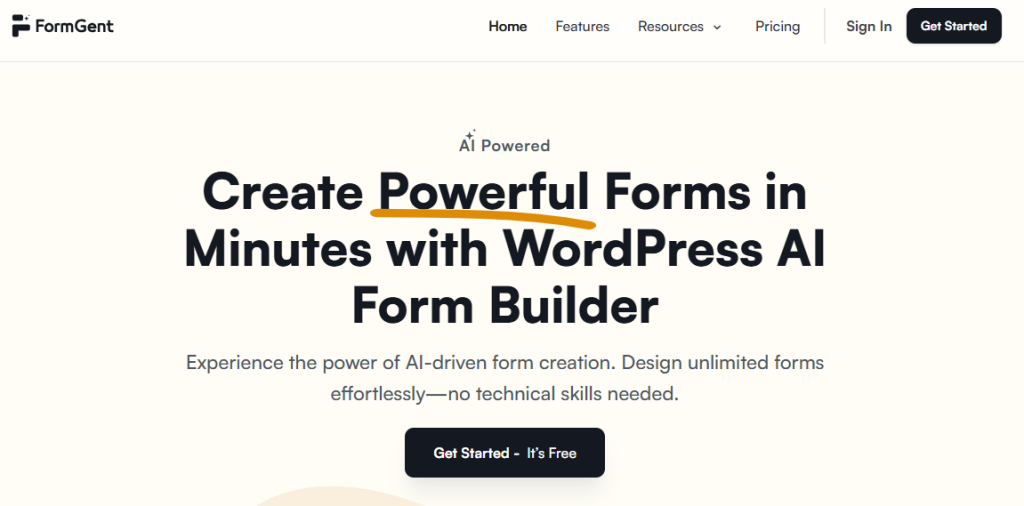
The first thing about FormGent is its efficiency and simplicity in creating any forms you need. When we’re saying any forms it means everything comes under one umbrella.
Schools, educational institutions, and teachers want to value their effort and time. They need to create versatile quizzes, take exams, circulate admission forms and reading materials, conduct parent meetings, and many more. With FormGent AI-powered form builder you can create forms effortlessly.
However, you don’t need to go through a rigorous learning curve to create a form. The UI is designed in such a way that will navigate you until the end.
Moreover, FormGent stands aside for offering quizzes, conditional logic, and conversational features for a free version. While the paid version gives you more control over it, giving you access to know about the incomplete form submission from the students and parents.
Finally, competitive pricing has become their strong strategy. Most of the form builders offer exclusive features only for the paid version but FormGent took a different strategy here. They offer those features on the free version and the paid version is more advanced in comparison to other plugins pricing.
Key features
- AI-powered form creation with ease
- Create unlimited quizzes for students
- Conversational forms let you ask questions with one field in each step
- Webhooks integrations
- White labelling
- Elementor widgets
- Built-in analytics
- The multi-step form lets you ask questions with multiple fields
- Receive payments for admission fees, course enrollment, and many more
- Digital signature
Pros
- Value for money by offering competitive pricing
- Ease of use with simplicity
- Exclusive features in the free version
- AI-powered form builder
- Honeypot spam detection for bot submission and reCAPTCHA
Cons
- Limited features but more are coming soon
- Less number of integrations ( more are in the pipeline )
Pricing structure
The plan starts from $39/year/1-site.
$159 (Lifetime for unlimited sites).
Finally, FormGent is more affordable in terms of pricing and features. The form-creation process is simplified in such a way that a beginner can create a form with the power of AI.
Tripetto – Forms made for schools– No. 2
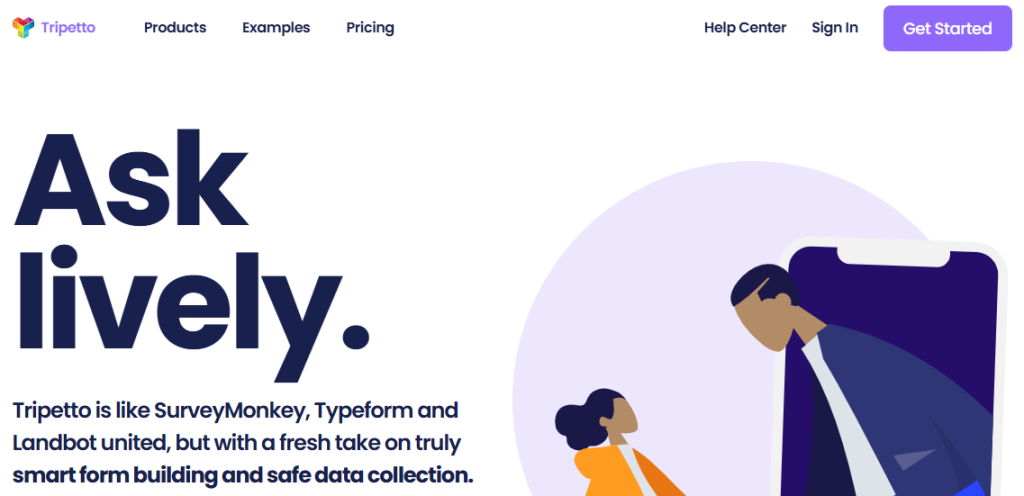
Tripetto is different from any other form builder, especially for schools and education.
Tripetto brings a refreshing twist with conversational forms—think of them as interactive forms that feel more like a chat than a boring questionnaire. It’s great for engaging students or parents when you need more than straightforward answers.
You’ll love—Tripetto’s story-based builder. Here, you create forms in a logical flow, almost like telling a story. Imagine creating a student feedback form that only shows follow-up questions when needed. It’s all about keeping things simple and relevant.
Key features of online form builders
- Storyboard interfaces
- Smart story-based form builder
- Customizable templates
- Gutenberg blocks and Elementor widgets
- Email and Slack notifications
- Seamless integrations with 1,000+ services
Pros
- Engaging user experience with interactive images, emojis, and videos
- Customizable logic
- Time-saving templates
Cons
- Limited features in the free version
- Requires a good level of a learning curve
- Dependency on integrations for automation
Pricing structure
The plan starts from $99/year/1-site.
$799 (Lifetime for unlimited sites).
Trippetto differentiates itself by creating more engaging experiences. Instead of just showing a bunch of form fields, you can collect information conversationally and easily include tons of conditional and branching logic.
iii. HappyForms– No. 3

For schools and educational institutes, Happyforms is an excellent option. You can create forms with a simple drag-and-drop builder, you don’t need to write code from scratch, CSS or any special characters.
Whether you start small with a basic registration form or expand into more complex surveys and feedback forms, HappyForms has all the features you need.
Key features of online form builders
- Seamless integrations with 1,000+ services
- Add multiple forms to the same page
- Create multi-column forms with one click
- Built-in styling controls with 50+ Options
- Compliant and Secure Forms (GDPR & 508)
Pros
- Save abandoned form responses
- Manage user roles efficiently
- Easy to navigate and lightweight
Cons
- Lack of pre-built templates for quicker setup
- Form styling may require extra effort for consistent design
- Limited advanced features in the free version
Pricing structure
The plan starts from $99/3-sites.
$399 (Lifetime for unlimited sites).
Overall, HappyForms stands out as a solid form plugin and it’s a phenomenal choice.
Kali Forms– No.4
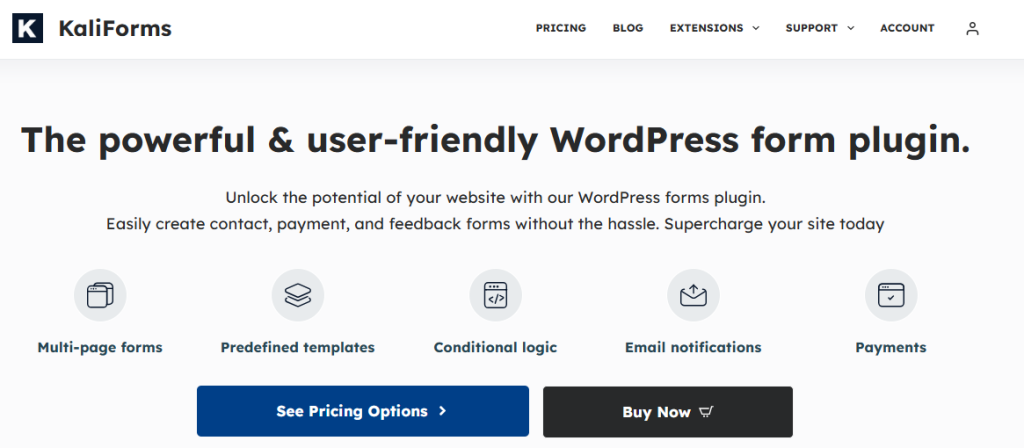
Need to set up a quick student registration form? Or maybe a feedback form for parents after a school event? With Kali’s drag-and-drop builder, you can create these in minutes—no coding, no hassle. You can design admission forms, surveys for student satisfaction, or even payment forms for collecting fees. Plus, it works beautifully on any device—laptops, tablets, or phones—so no one’s struggling to fill out forms.
Key features
- HubSpot CRM integration
- Running calculator form
- Simple admission form with payment
- Form notifications
Pros
- Uses a familiar drag-and-drop interface
- Prevent spam and tracks with reCAPTCHA and Akismet integrations.
- Comes with a digital signature Form field
Cons
- No white label option
- No Gutenberg block option but you can easily use the shortcode option instead.
Kali forms are not that complicated. This plugin is super useful and you can create forms for everything you need.
Pricing structure
The plan starts from $39/year/1-sites.
$79/ 15-sites (1-year updates and 1-year priority support )
Zoho forms– No. 5
Zoho Forms is a great tool for schools and educational institutions and it’s super easy to use. With over 65 ready-to-use templates, you can easily create admission forms, event registrations, or feedback surveys using the intuitive drag-and-drop builder. Plus, you can tweak the design to match your school’s colors and logo to make it a natural extension of your brand.
Key features
- Set of Matrix questions
- Native apps for iOS and Android
- Printable QR code
- Anonymous responses
- Follow-up emails
Pros
- Send an email/SMS once the form is submitted
- Share forms by social networks
- Integration with Google and Mailchimp
Cons
- Limited feature for color and font customization
- Advanced features require a learning curve
Zoho Forms offers several integrations and ready-made, customizable templates to take your forms to a new level.
Pricing structure
The plan starts from $19/year/1-site (Support is unavailable for this plan)
$29/year/3-sites for the premium subscription
vi. Easy Form Builder – No.6
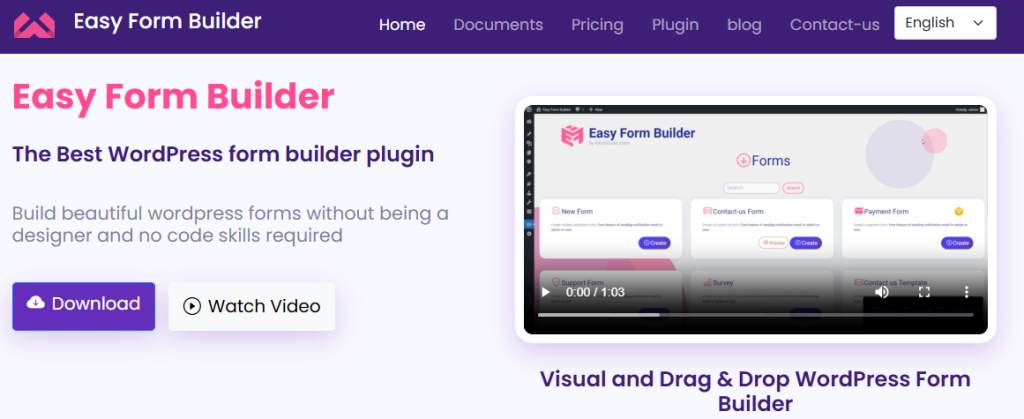
Easy Form Builder is a no-code, user-friendly, drag & drop and multi-step WordPress plugin. This is a basic form builder that serves the common purposes. With over 40 field types creating custom forms has become easier. The form builder is essential for schools and institutions as it includes a unique confirmation code (tracking ID) for each submission.
Key features of online form builders
- Create custom email templates for forms
- Versatile survey forms
- Customizable the thank you message in forms
Pros
- Advanced form builder for creating surveys and questionnaires
- Options to have multiple date pickers (Hijri and Jalali date fields)
Cons
- Limited customization options for kid’s engaging materials
- Pretty basic features
Pricing structure
The plan starts from $19/year/1-site. They don’t offer support for this plan.
$29+support/ year/ 3 -sites
How to Choose the Right Online Form Builders for Your School and Educational Institutes?
Choosing the right customizable online form builder is crucial for schools and educational institutions looking to simplify processes and save time. Here we will show you a simple guide to select the best tool.
1. Know your business
Is your business functioning in online classes or your classes are taken on-premises?
You need to identify the answer in which approach you want to scale up. Based on your requirements you’ll choose the plan that suits you the best.
2. Simple vs. advanced
What kind of online form builder does your school need? If it’s just basic tasks like gathering student info or quick RSVPs then a free-form builder with the essentials might work fine. But if you want forms for reading materials then you need advanced features and seamless integrations with tools Google Sheets or your LMS.
3. A/B testing your school forms for better results
Most customizable online form builders for schools offer a free version, which is a great starting point. We recommend trying it out first to see if the basic features are enough for your needs or if you require more advanced capabilities.
If you’re a teacher, trainer or running a school, you’ll need versatile and powerful forms to handle everything from student registrations to event sign-ups. In that case, investing in a paid version will give you the full range of features you need to streamline your processes and save time.
4. Pricing that fits your needs
Start with a more affordable option to get comfortable with the platform, and as your needs grow, consider upgrading to a more advanced plan. We recommend checking out newer form builders, as many offer early-bird deals and value user feedback.
*Pro tip: Some form builders come with advanced features that your business might not need. In that case, starting with a basic plan could be the smart choice to meet your needs without breaking the bank.
Closing Thoughts
Now you have an idea about the customizable online form builders for schools and education. Whether you prefer a simple tool or a more advanced one like FormGent, your choice depends on your needs. Check out the free versions and explore the features that work best for you.
The sooner you implement an online form builder, the sooner you’ll start saving time and resources.
Make the change today and revolutionize your school’s administrative tasks for the better!
Finally, if you need further information or want to add something valuable to our editions, please feel free to drop us a line in the comment section below. We would be more than happy to cooperate with you in the best way possible!


Leave a Reply