

5 Free Online Form Builder Tools That Will Save Your Hours
-
- Form Builder WordPress Plugins
- 7 mins read
Building forms shouldn’t be a time-consuming headache.
But for many people, creating a form that looks good, works well, and collects the right data can take hours—especially if you’re switching between different tools. The wrong form builder can mean clunky designs, missing features, and wasted effort.
The good news? You don’t have to settle.
There are powerful free online form builder tools that let you create professional, functional forms in minutes—no coding, no stress.
In this guide, our goal is to help you find the best free online form builder for your needs. We’ll look at 5 of the top options, explaining how each one works and what makes them unique. Now, without further delay, let’s start exploring.
Why Choosing the Right Free Online Form Builder Matters

A form isn’t just a box for collecting information. Most of the case it is the way of people’s first interaction with your brand. And this is very significant. This might be through a contact form, event registration, survey, or payment form. It must be simple, trustworthy, and easy for users to complete.
The right online form creator helps you:
- Save hours with ready-to-use templates.
- Collect accurate data with smart field options.
- Integrate seamlessly with tools you already use.
- Create forms that look professional on any device.
In short, your form builder should work for you—not the other way around. That’s why we’ve handpicked 5 free Online Form Builder that can help you get more done in less time, by simplifying the form creation process, ensuring data accuracy, and enhancing user experience.
What Makes a Great Free Online Form Builder?

Not all free form builders are created equal. If you’re choosing an online form creator, it’s important to focus on tools that make form creation fast, flexible, and frustration-free. Here’s what to look for:
1. Easy-to-use drag-and-drop interface
You shouldn’t need coding skills to build a form. A good free form builder offers a drag-and-drop editor so you can add, remove, or rearrange fields in seconds.
2. Ready-to-use templates
Templates save time. Whether you’re making a contact form, feedback survey, or event registration form, starting with a pre-designed template means less work and faster results.
3. Conditional logic and automation
The best form builder adapts to users. Conditional logic lets you show or hide fields based on previous answers, while automation features can send instant notifications, follow-ups, or even push data to your CRM.
4. Integrations with apps like Zapier
Your forms should connect with the tools you already use—email marketing platforms, spreadsheets, payment gateways, or project management apps. Zapier integration opens the door to thousands of possibilities.
Related Article: How To Automate Website Form Submissions Into Zapier (Step-By-Step With FormGent)
5. Mobile responsiveness
Most people will fill out your form on their phone. Your online form creator must deliver a seamless mobile experience that’s easy to navigate and complete.
6. Data analytics and management tools
Collecting responses is just the first step. The best tools help you track submissions, analyze trends, and export data easily for further use.
Top 5 Free Online Form Builder Tools That Will Save Your Time
With so many options available, finding the right free online form builder can feel overwhelming. To make your search easier, we’ve rounded up 5 Free Online Form Builder Tools that not only offer strong free plans and easy-to-use interfaces but also come with time-saving features. Whether you’re a small business owner, a marketer, or just someone who needs to collect data efficiently, these tools will help you create professional forms in minutes without breaking the bank.
1. FormGent
As we said before, not all free form builders are created equal. We put FormGent at top because of its rich features. Where maximum form builder charges a high amount, FormGent offers those premium features at no cost. FormGent is an AI-powered WordPress form builder that makes creating forms faster, smarter, and more flexible. It’s designed for users who want powerful features without the steep learning curve.
- AI-assisted form creation
- Drag-and-drop builder
- Offer Premium features at free plans
- Free Payment Integrations
- Ready-to-use templates (Released Soon)
- Conditional logic
- Zapier integration
- Mobile-friendly design
- Real-time form analytics
Pros:
- Seamless WordPress integration
- Automation-friendly with Zapier
- Strong free plan with premium features
Cons:
- Only available for WordPress websites
- New form builder compared to other products.
2. Google Forms
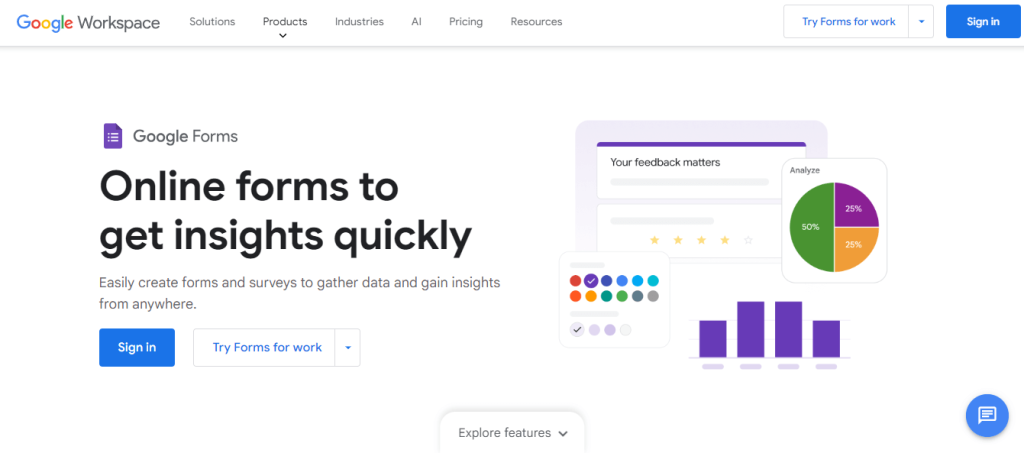
Google Forms is a simple, free form builder that’s perfect for quick surveys, polls, and questionnaires. It works with Google Workspace tools such as Sheets and Drive.
Core Features:
- Unlimited forms and responses
- Real-time response tracking
- Collaboration features
- Integration with Google Sheets
- Customizable themes
Pros:
- 100% free to use
- Easy to share and collaborate
- Reliable and secure under Google’s ecosystem
Cons:
- Limited design customization
- No native advanced features like conditional logic
Read More: 10 Reasons To Choose FormGent Over Google Form Builder (And Never Look Back)
3. Canva Forms
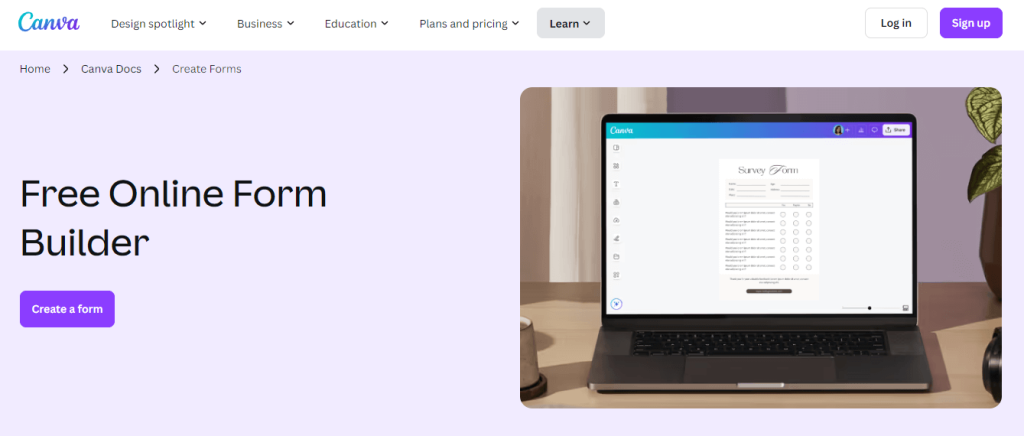
Canva isn’t just for graphics—it also offers a form builder that combines beautiful design with easy data collection.
Core Features:
- Professionally designed templates
- Drag-and-drop customization
- Embed and share forms easily
- Brand kit integration for consistent design
Pros:
- Visually appealing forms
- Easy branding for businesses
- Works seamlessly with Canva’s design platform
Cons:
- Limited automation and integrations
- Free plan has restrictions on certain templates
4. Microsoft Forms
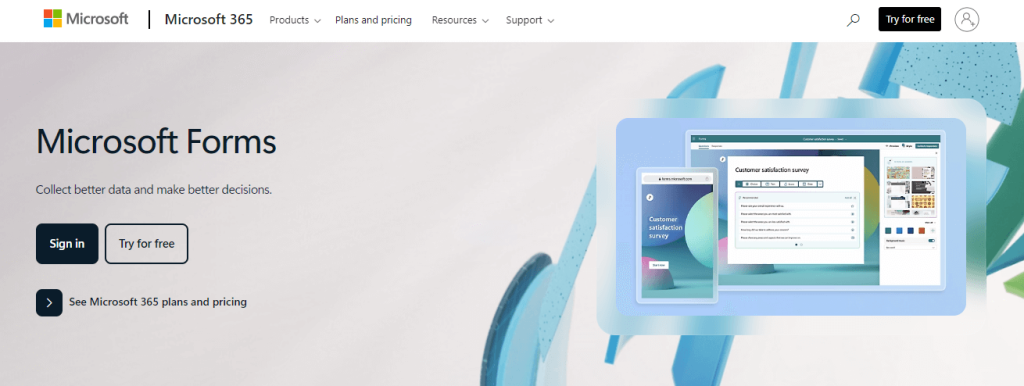
Microsoft Forms is ideal for businesses and educators already using Microsoft 365. It’s lightweight, user-friendly, and syncs easily with other Microsoft apps.
Core Features:
- Real-time collaboration
- Integration with Excel and Teams
- Branching logic (basic conditional logic)
- Mobile-friendly forms
Pros:
- Familiar interface for Microsoft users
- Secure with enterprise-level compliance
- Easy data export to Excel
Cons:
- Limited design customization
- Fewer integrations than other form builders
5. Forms.app
Forms.app is a flexible form builder that offers strong customization features and a generous free plan.
Core Features:
- 100+ templates
- Conditional logic
- Payment collection
- Social media sharing options
- Analytics dashboard
Pros:
- Generous free tier
- Supports payments in forms
- Strong customization tools
Cons:
- Interface can feel cluttered for beginners
- Some advanced features are paywalled
How to Choose the Right Free Online Form Builder for You
Finding the best free online form builder isn’t just about picking the one with the flashiest features. It’s about choosing the one that fits your exact needs. Here’s what to consider before making your choice:
- Your main purpose – Are you creating lead capture forms, running surveys, setting up quizzes, or managing event registrations?
- Integration needs – Does it connect with your favorite apps like Zapier, Google Sheets, or email marketing tools?
- Branding and customization requirements – Can you make the forms match your website’s style without coding?
- Data analytics needs – Does it offer clear reports so you can track submissions and improve performance?
For those seeking advanced features without leaving WordPress, FormGent is a clear winner. It offers AI-assisted form creation, seamless integrations, and powerful customization options all inside your dashboard.
Final Thoughts About Choosing The Right Free Online Form Builder
There are plenty of free options out there, but not all of them save you time or give you the flexibility you need. Choosing the right free online form builder can make a big difference in how efficiently you collect and manage information. We’ve looked at the top contenders, but if you value speed, flexibility, and integration — FormGent is the clear winner.
Switching to FormGent means:
- Faster form creation with AI assistance
- Better data management with built-in analytics
- No need for multiple tools — everything stays in WordPress
Why waste hours managing forms across different platforms when you can do it all in one place?
With FormGent, you’re not just getting a free form creator; you’re getting a complete form-building solution that grows with your needs.
Your turn:
Try FormGent for free and see how quickly you can create your next form.
Have experience with any of these tools? Share your thoughts in the comments. If you found this post helpful, share it with your friends or team so they can save time too.
FAQ About Free Online Form Builder
1. How can I choose the best free online form builder?
The best online form builder depends on your conditions. If you are looking for a simple option with templates, Google Forms or Jotform are good choices. If you need advanced features, AI assistance, and WordPress integration, FormGent is one of the smartest choices.
2. Are free form builders really free?
Yes, most free online form builders offer some basic features at no cost. These usually include core features like form creation, basic templates, and limited submissions. If you’re looking for really free with premium features than FormGent is the best free online form builder.
3. Which free online form builder is ideal for business?
If you’re looking for a free online form builder for your business, FormGent is a perfect choice. Many businesses use free form builders for lead generation, customer feedback, event registration, and surveys. With tools like FormGent, you can create professional, branded forms without paying extra.
4. Are free form builders mobile friendly?
Most modern form builders are mobile responsive, meaning your forms will work seamlessly on smartphones and tablets. FormGent ensures responsiveness perfectly on all devices.
5. Which free online form builder is the best choice for WordPress?
If you’re a WordPress user, FormGent is an flawless choice. It’s designed specifically for WordPress, supports AI-powered form creation, integrates with popular tools, and offers customization without coding.
6. Can I incorporate free form builders with email marketing tools?
Yes. Many free form builders integrate with platforms like Mailchimp, ActiveCampaign, and ConvertKit. FormGent also integrates with automation tools like Zapier, making it easy to sync your data.
7. Is it totally safe to use a free online form builder?
Reputable form builders use encryption and security measures to protect your data. Always choose a trusted tool like FormGent, which follows WordPress security best practices.
8. What are some of the best free online form builders?
There are many free online forms available on internet. Among them, FormGent, Google Form, Microsoft Form, Canva Form are some best free online form builder. However, best free online form builder depends on your requirement. These free online form creator has enough features to meet your requirements.

Rezaul Karim
Rezaul Karim is a passionate Digital Marketer driven by curiosity and creativity in the ever-evolving world of online marketing. With over 6 years of hands-on experience in Content Writing, Copywriting, SEO, and Social Media Marketing, he brings a strategic edge to crafting content that engages and converts. Always eager to explore new trends and tools, Rezaul thrives on finding smarter ways to connect brands with their audiences. Outside of work, he enjoys diving into books or recharging in nature.


Leave a Reply