
10 Best Gravity Forms Alternatives in 2026 (Free & Paid)
-
- Form Builder Comparison WordPress Plugins
- 13 mins read
Gravity Forms has earned its place as one of the most trusted form builders in the WordPress world. And rightfully so.
It’s powerful, flexible, and battle-tested. Businesses of all sizes have used it to build everything from simple contact forms to complex payment systems. It collects data cleanly, works reliably, and gives site owners real control over how their forms behave. If you’ve been using Gravity Forms, you already know what it’s capable of.
But let’s be honest — the game has changed.
Today’s businesses need more from their forms. Visitors expect engaging experiences, not boring static fields. That means conversational forms that feel like a real dialogue. Quizzes that keep people clicking. Stripe and PayPal payments built right into the form. Zapier connections that automate the busy work. Webhooks that push data exactly where you need it.
Gravity Forms offers most of these features. But almost all of them come at an extra cost. Want Stripe payments? That’s the Elite plan — $259 per year. Need Zapier? Same story. Features that come standard in newer plugins sit firmly behind a paywall here.
That’s why so many WordPress users are now shopping for alternatives.
This guide covers the 10 best Gravity Forms alternatives available right now. Each one has been carefully reviewed for features, pricing, ease of use, and overall value. Whether you need a free option to get started or a premium tool with serious firepower, there’s something on this list for you.
Let’s cut to the chase and find the right fit for your business.
Why Are People Looking for a Gravity Forms Alternative?
Gravity Forms is a solid plugin. Nobody is questioning that. But solid doesn’t always mean the right fit — especially when your business starts growing and your form needs grow with it.
Here are the three biggest reasons WordPress users start looking elsewhere.
1. There’s No Free Plan
This is the first thing most people notice. Gravity Forms has no free version. Not even a limited one. You pay from day one — starting at $59 per year for the basic license.
Most competing plugins offer a free plan that covers the essentials. Some are generous enough that you might never need to upgrade. For small businesses, freelancers, or anyone just getting started, that difference matters a lot.
2. The Most Useful Features Are Locked Behind Higher Plans
Here’s where things get frustrating. Gravity Forms does offer advanced features like Stripe payments, PayPal, Zapier, and webhooks. But accessing them isn’t straightforward.
Most of these features require paid add-ons — or the Elite plan at $259 per year. So the price you see upfront is rarely the price you actually end up paying. As your needs grow, the costs stack up fast.
For context, some newer alternatives include Stripe, PayPal, Zapier, conditional logic, and even an AI form builder — all on their free plan. That’s a hard gap to ignore.
3. It Doesn’t Feel Like a Modern WordPress Plugin
Gravity Forms was built in 2009 — before the WordPress block editor even existed. It still works as a standalone interface, separate from Gutenberg. For users who build everything inside the block editor today, that disconnect feels clunky.
Modern plugins are built to work natively inside WordPress. They use the same editor you already know. There’s no extra learning curve, no switching between interfaces, and no friction in your workflow.
That said, none of this makes Gravity Forms a bad plugin. For large agencies or developers who are deep in its ecosystem, it still makes sense. But for the majority of WordPress users — especially those who want more features without paying more money — the alternatives have quietly caught up. In some areas, they’ve moved ahead.
Quick Comparison: Best Gravity Forms Alternatives at a Glance
Before diving into the full reviews, here’s a quick look at how the top alternatives stack up against each other. This table will help you narrow down your options fast.
| Tool | Free Plan | Starting Price | AI Builder | Payments | Best For |
|---|---|---|---|---|---|
| FormGent ⭐ | ✅ Yes | $39/yr | ✅ Yes — free | ✅ Stripe & PayPal | All-in-one WordPress users |
| WPForms | ✅ Limited | $49.50/yr | ✅ Paid only | ✅ Paid plan | Beginners |
| Fluent Forms | ✅ Yes | $63/yr | ✅ Yes — free | ✅ Stripe free (1.9% fee) | Marketers & agencies |
| Ninja Forms | ✅ Limited | $99/yr | ❌ No | ✅ Add-on | Modular workflows |
| Formidable Forms | ✅ Limited | $39.50/yr | ✅ Paid only | ✅ Paid plan | Data-heavy projects |
| Typeform | ✅ Limited | $25/mo | ✅ Yes | ✅ Paid plan | Conversational forms |
| Jotform | ✅ Yes | $34/mo | ✅ Yes — free | ✅ Yes | Template variety |
| Contact Form 7 | ✅ Yes | Free | ❌ No | ❌ No | Simple contact forms |
| Cognito Forms | ✅ Yes | $15/mo | ❌ No | ✅ Yes | Compliance-focused teams |
| WS Form | ❌ No | $79/yr | ❌ No | ✅ Yes | Developers |
One pattern still stands out clearly. FormGent and Fluent Forms are the only WordPress-native plugins that offer a free AI builder on their free plan. However, FormGent goes a step further — it bundles Stripe and PayPal payments, a quiz builder, conversational forms, and analytics all on the free plan with no transaction fees. That’s a combination no other free WordPress form plugin matches right now.
10 Best Gravity Forms Alternatives That You Should Check
1. FormGent — Best AI-Powered Gravity Forms Alternative (Editor’s Pick)
FormGent is a WordPress-native form builder that gives you more out of the box — for free — than most plugins charge a premium for.
If Gravity Forms has been stretching your budget, FormGent is the alternative worth stopping at. It runs entirely inside the WordPress block editor. No separate interface. No new system to figure out. You open WordPress, build your form, and publish — just like everything else on your site.
The AI builder is where it gets interesting. You type a simple prompt — something like “create a subscription form with payment and email verification” — and FormGent builds the form for you in seconds. It cuts out the guesswork and gets you to a finished form faster than any drag-and-drop builder will.
But the AI builder is just the start.
You can switch any form into a conversational format with one click — turning a standard form into an engaging, one-question-at-a-time experience. Prefer a multi-step layout? Add a page break and split your form into clean, digestible steps. Either way, your visitors get a better experience than a wall of fields ever delivers.
One feature that genuinely stands out is incomplete submission saving. If a visitor starts filling out a long form and gets distracted, FormGent saves their progress automatically. They get a link to pick up right where they left off. For long registration forms or detailed applications, that alone can recover a meaningful number of lost submissions.
What you get:
- AI form creation from a simple text prompt
- Conversational forms and multi-step forms with page breaks
- Incomplete submission saving with a resume link
- Built-in quiz builder with scoring and result display
- Conditional logic, conditional confirmation, and OTP verification
- Stripe and PayPal payments — including recurring subscriptions
- Integrations with Google Sheets, Zapier, Mailchimp, Zoho CRM, and more
- Built-in analytics tracking submission rates, drop-offs, and user behavior
- PDF generation directly from submitted form responses
- Custom post and CPT submission support
Where it’s still growing: Some advanced accessibility features of FormGent are still in development. The team is actively working through it. You can check out the upcoming features from the roadmap.
Pricing: Free plan available | Pro starts at $39/year | Lifetime deal at $159 for unlimited sites
Best for: WordPress users who want a modern, feature-packed form builder — with AI, payments, analytics, and automation — without paying for every feature separately.
2. WPForms — Best for Beginners
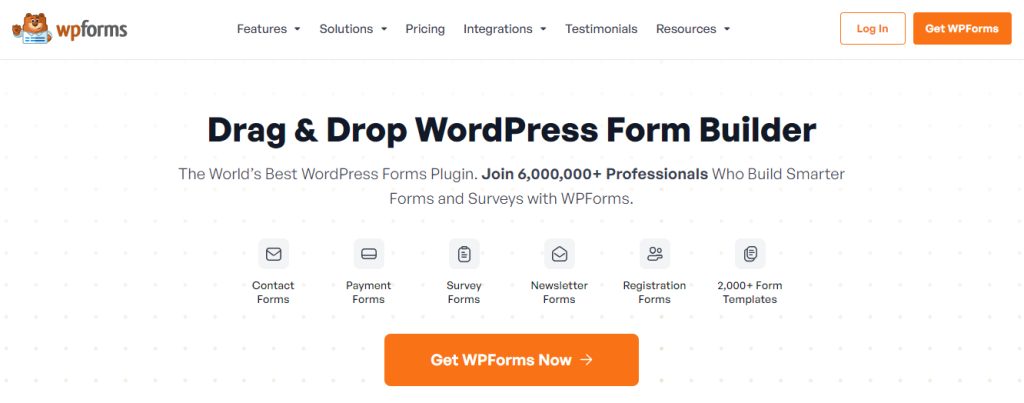
WPForms is the most beginner-friendly WordPress form builder on the market.
If you’re new to WordPress and just want forms that work without any fuss, WPForms delivers. It has one of the largest template libraries among WordPress form plugins — over 600 pre-built templates covering contact forms, payment forms, surveys, and more. The drag-and-drop builder is clean and straightforward.
The free plan is quite limited though. Most features that make WPForms worthwhile — like payment integrations and conditional logic — sit behind the paid plans.
What you get:
- 600+ pre-built form templates
- Drag-and-drop form builder
- Conditional logic on paid plans
- Stripe and PayPal on paid plans
- Email marketing integrations
Pricing: Free plan available | Pro starts at $49.50/year
Best for: Non-technical users who want quick, simple forms without a learning curve.
3. Fluent Forms — Best Lightweight Alternative
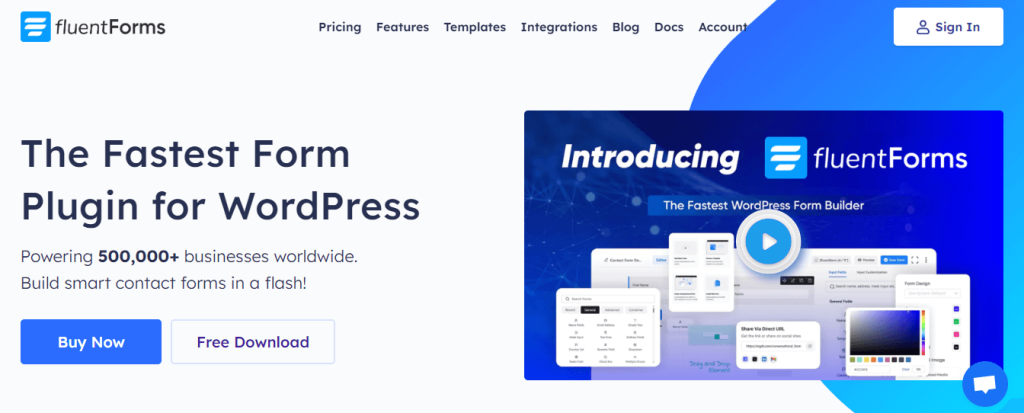
Fluent Forms is fast, feature-rich, and one of the most well-rounded free options available.
It covers a lot of ground without slowing your site down. The free plan includes conditional logic, email notifications, and basic integrations — which is more than most competitors offer at no cost. The paid plan unlocks 60+ third-party integrations including Slack, ActiveCampaign, and Salesforce.
One thing that sets Fluent Forms apart is that all premium features come included in every paid plan. No picking and choosing add-ons separately.
What you get:
- Conditional logic on the free plan
- 60+ integrations on paid plans
- Multi-step forms
- Conversational forms on paid plans
- Payment collection via Stripe and PayPal
Pricing: Free plan available | Pro starts at $63/year
Best for: Marketers and agencies who need a reliable, lightweight form builder with solid integration support.
4. Ninja Forms — Best for Modular Customization
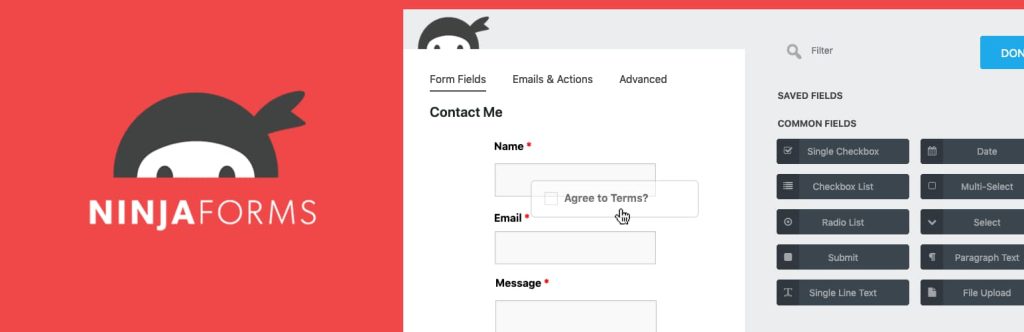
Ninja Forms gives you a flexible, modular approach to building forms on WordPress.
The idea is simple. You start with the core plugin for free, then add only the features you actually need. It works well for teams that want control over exactly what’s installed on their site. That said, the modular pricing model can get expensive quickly once you start stacking add-ons.
What you get:
- Drag-and-drop form builder
- Save and resume long forms
- CRM integrations — HubSpot, Salesforce, Zoho
- Conditional logic and multi-step forms
- Payment collection via add-ons
Pricing: Free plan available | Pro starts at $99/year
Best for: Agencies and advanced users who want full control over their form features without unnecessary extras.
5. Formidable Forms — Best for Data-Heavy Projects
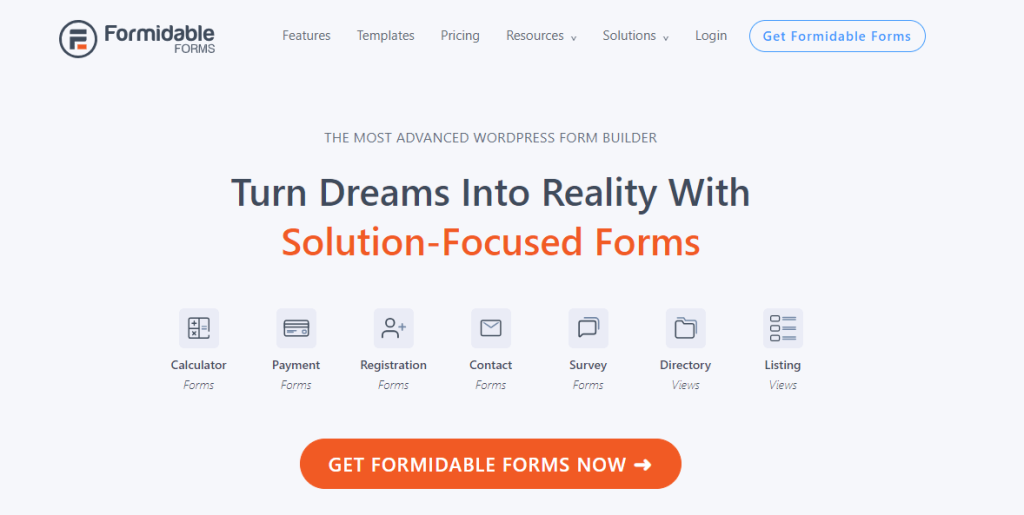
Formidable Forms goes beyond standard form building — it lets you collect, calculate, and display data in powerful ways.
It’s the go-to choice for developers building calculators, directories, or any project where forms feed into complex data workflows. The learning curve is steeper than most plugins here, but the payoff is worth it for the right use case.
What you get:
- Calculated fields for quotes, scores, and estimates
- Frontend data display with Views
- Repeater fields and multi-page forms
- PDF exports from form submissions
- GDPR-ready and developer-friendly
Pricing: Free plan available | Pro starts at $39.50/year
Best for: Developers and advanced users building data-driven applications on WordPress.
6. Typeform — Best for Conversational Forms Outside WordPress
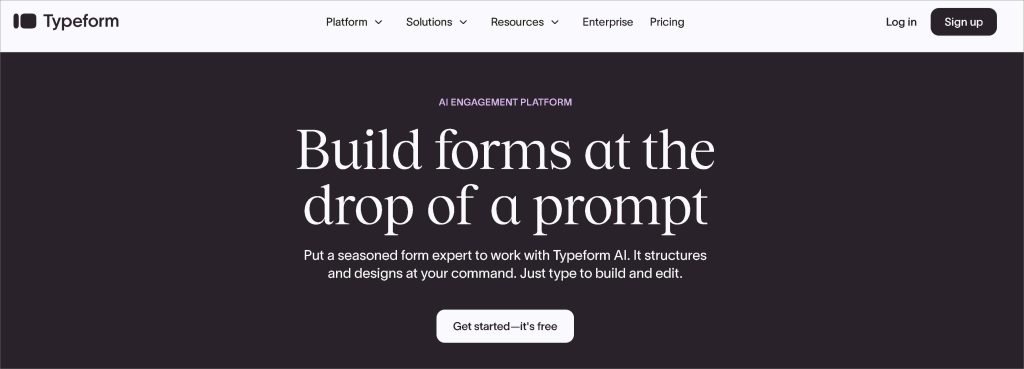
Typeform pioneered the conversational form experience — and it still does it beautifully.
Forms built with Typeform feel less like forms and more like actual conversations. One question at a time, smooth transitions, and a polished design out of the box. The trade-off is that Typeform is a hosted SaaS platform, not a WordPress plugin. You embed it on your site, but your data lives on Typeform’s servers.
What you get:
- Conversational, one-question-at-a-time format
- Beautiful design templates
- Logic jumps and branching
- 500+ integrations via native connections and Zapier
- Payment collection on paid plans
Pricing: Free plan limited to 10 responses/month | Paid starts at $25/month
Best for: Marketing teams running campaigns who prioritize form design and engagement over WordPress-native functionality.
7. Jotform — Best for Template Variety
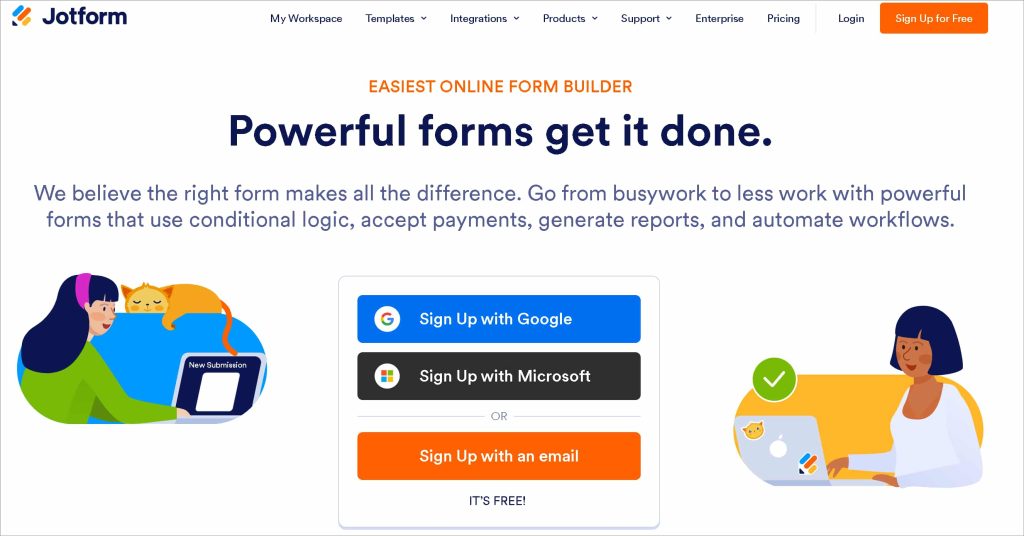
Jotform has one of the largest template libraries in the form builder world — over 10,000 ready-made templates.
It covers virtually every use case you can think of. Healthcare forms, legal documents, event registrations, payment forms — it’s all there. Jotform also offers strong compliance options including HIPAA, making it a popular choice for regulated industries.
What you get:
- 10,000+ form templates
- HIPAA-compliant forms available
- 200+ app integrations
- Payment collection with Stripe, PayPal, and Square
- Built-in analytics and reporting
Pricing: Free plan available | Paid starts at $34/month
Best for: Organizations that need compliance-ready forms or want to get started fast with pre-built templates.
8. Contact Form 7 — Best Completely Free Option

Contact Form 7 is the original free WordPress form plugin — and it’s still one of the most widely installed plugins in the world.
But free comes with trade-offs. There’s no entry storage by default. No conditional logic. No drag-and-drop builder. You write shortcodes to build your forms, which means you need at least some comfort with code. For a simple contact form on a small site managed by a developer, it does the job. For anything more than that, it starts to show its limits fast.
What you get:
- Completely free with no paid tiers
- Basic contact form functionality
- CAPTCHA support
- Email notifications
Pricing: Free — no paid plans
Best for: Developer-managed sites with simple, static contact form needs and no plans to scale.
9. Cognito Forms — Best for Compliance-Focused Teams

Cognito Forms is built with data compliance at its core — making it a strong choice for teams in regulated industries.
It covers HIPAA, GDPR, and CCPA requirements out of the box. The free plan is genuinely capable, with advanced features like conditional logic, calculated fields, and payment collection included. It’s not the flashiest option on this list, but it gets the job done reliably.
What you get:
- HIPAA, GDPR, and CCPA compliant
- Conditional logic and calculated fields
- Payment collection on the free plan
- File uploads and repeating sections
- Data export and reporting tools
Pricing: Free plan available | Paid starts at $15/month
Best for: Healthcare providers, legal teams, and government organizations that need strict data compliance without a large budget.
10. WS Form — Best for Developer Control
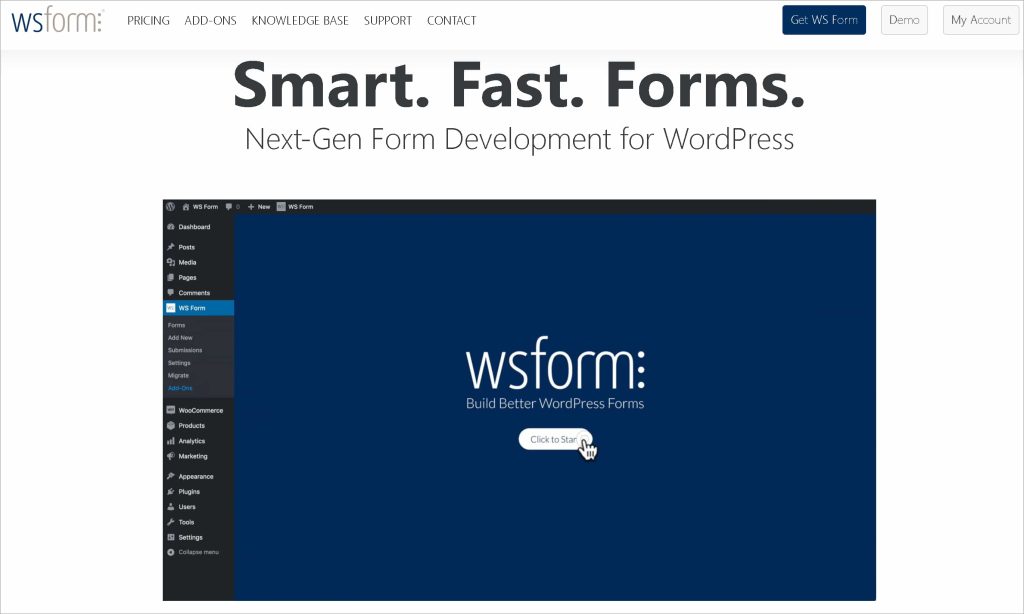
WS Form is built for WordPress developers who want deep technical control over every aspect of their forms.
Every layout, field, and setting is adjustable. It supports responsive grid layouts, custom CSS, and advanced conditional logic — all without relying on add-ons. It’s not the easiest plugin to pick up for a non-technical user, but for developers, it offers a level of precision that most form builders simply don’t match.
What you get:
- Responsive grid-based form layouts
- Deep conditional logic and calculations
- Custom CSS and developer hooks
- Stripe and PayPal payment support
- No add-ons needed — everything is built in
Pricing: No free plan | Pro starts at $79/year
Best for: WordPress developers who need granular control over form design and behavior without plugin dependency.
How to Choose the Right Gravity Forms Alternative for Your Site
With so many options on the table, picking the right one can feel overwhelming. But it doesn’t have to be. Ask yourself these four simple questions and the right choice will become clear pretty quickly.
Are You Staying on WordPress or Going Platform-Agnostic?
This is the first question to answer. If your site runs on WordPress and you want everything to work natively inside it — go with a WordPress plugin. FormGent, WPForms, and Fluent Forms are all strong choices here.
If you run multiple websites on different platforms, a hosted tool like Jotform or Typeform might make more sense. You build once and embed anywhere.
What’s Your Budget?
Be honest about what you’re willing to spend before you start comparing features.
- Free: FormGent is the strongest free option. It gives you AI form building, payments, conversational forms, and a quiz builder — all without spending a cent.
- $39–$63 per year: FormGent Pro and Formidable Forms both sit in this range. Solid value for growing businesses.
- $99 and above: Ninja Forms and WPForms Elite fall here. Justified for agencies managing multiple client sites with complex needs.
How Technical Is Your Team?
This matters more than most people think. A powerful plugin is useless if your team can’t figure it out.
Non-technical users should stick with FormGent or WPForms. Both use familiar interfaces — FormGent works right inside the Gutenberg block editor, so there’s nothing new to learn.
Developers who want full control over every detail should look at WS Form or Formidable Forms. Both reward technical knowledge with serious flexibility.
Do You Need Specific Features?
Some features should be non-negotiable depending on your use case.
- Need payments built in for free? FormGent.
- Need HIPAA compliance? Jotform or Cognito Forms.
- Need beautiful conversational forms for a marketing campaign? Typeform.
- Need to build complex data applications? Formidable Forms.
- Need the simplest possible free contact form? Contact Form 7.
If you’re still not sure where to start, FormGent is the safest bet. The free plan covers almost every common use case — and you can always upgrade later if your needs grow.
Final Verdict: Which Gravity Forms Alternative Should You Choose?
Gravity Forms is a good plugin. It always has been. But “good” isn’t always good enough — especially when your business needs more and your budget demands better.
The alternatives on this list prove that you don’t have to choose between features and affordability anymore. The right tool is out there. You just need to match it to your specific situation.
Here’s the short version:
- Need the most powerful free plan on the market? Go with FormGent. AI form building, conversational forms, payments, quizzes, analytics, and automation — all free. It’s hard to find a stronger starting point for any WordPress site today.
- Need the simplest beginner experience? WPForms gets you up and running fast with minimal friction.
- Building complex data-driven applications? Formidable Forms gives you the depth and flexibility to handle it.
- Running compliance-sensitive operations? Jotform or Cognito Forms have you covered with HIPAA and GDPR support built in.
- Want beautiful conversational forms for marketing campaigns? Typeform still leads the pack on design and engagement.
That said, if you’re switching from Gravity Forms and don’t know where to start — start with FormGent. The free plan covers more ground than most paid plugins. The AI builder gets your first form live in seconds. And the pricing, even at the pro level, won’t make you wince.
There’s no risk in trying it. No credit card required. No complicated setup. Just install the plugin, type what you need, and your form is ready.
The days of paying $259 a year just to connect Stripe to your forms are over. Better options exist — and FormGent is at the front of that list.
Frequently Asked Questions About Gravity Forms Alternatives
Is there a free version of Gravity Forms?
No. Gravity Forms has no free plan. Every license starts at $59 per year. That’s before you add any integrations or advanced features. If a free plan is important to you, FormGent is the strongest alternative — it includes AI form building, payments, conditional logic, and conversational forms at zero cost.
What is the best free alternative to Gravity Forms?
FormGent is the most feature-rich free alternative available right now. It gives you AI-powered form creation, Stripe and PayPal payments, conversational forms, a quiz builder, Google Sheets and Zapier integrations, and built-in analytics — all on the free plan. No other free WordPress form plugin comes close to that feature set.
Is Gravity Forms worth the price in 2026?
For large agencies or developers already deep in its ecosystem, yes — it still makes sense. But for most WordPress users, the value proposition has weakened. Newer alternatives offer more features at a lower price. Some offer more for free than Gravity Forms includes in its paid plans.
Which Gravity Forms alternative is best for beginners?
FormGent and WPForms are both beginner-friendly. FormGent has a slight edge because it works inside the familiar Gutenberg block editor — so there’s nothing new to learn. WPForms has a dedicated drag-and-drop builder with a large template library that also makes getting started quick and easy.
Does FormGent support recurring payments?
Yes. FormGent supports both one-time and recurring subscription payments through Stripe and PayPal. You can set up subscription forms directly inside the plugin without any third-party add-ons or extra configuration. It works straight out of the box on both the free and pro plans.

Rezaul Karim
Rezaul Karim is a passionate Digital Marketer driven by curiosity and creativity in the ever-evolving world of online marketing. With over 6 years of hands-on experience in Content Writing, Copywriting, SEO, and Social Media Marketing, he brings a strategic edge to crafting content that engages and converts. Always eager to explore new trends and tools, Rezaul thrives on finding smarter ways to connect brands with their audiences. Outside of work, he enjoys diving into books or recharging in nature.


Leave a Reply